Envy Better Hires Fix XL 01 - v1.0
Images en vedette



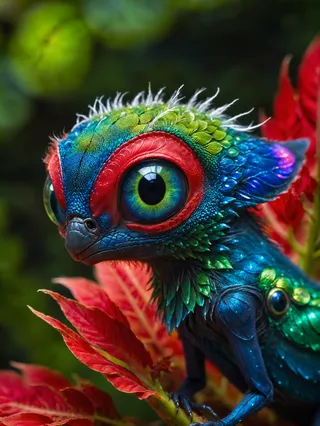

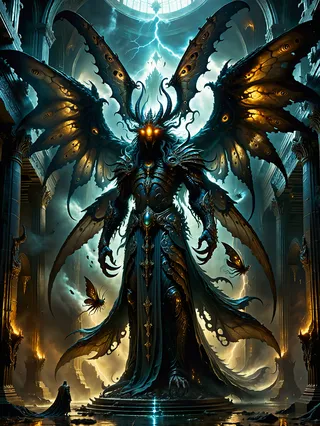
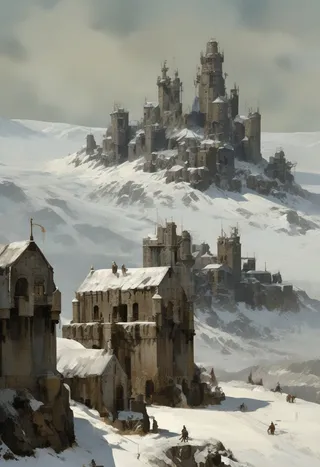


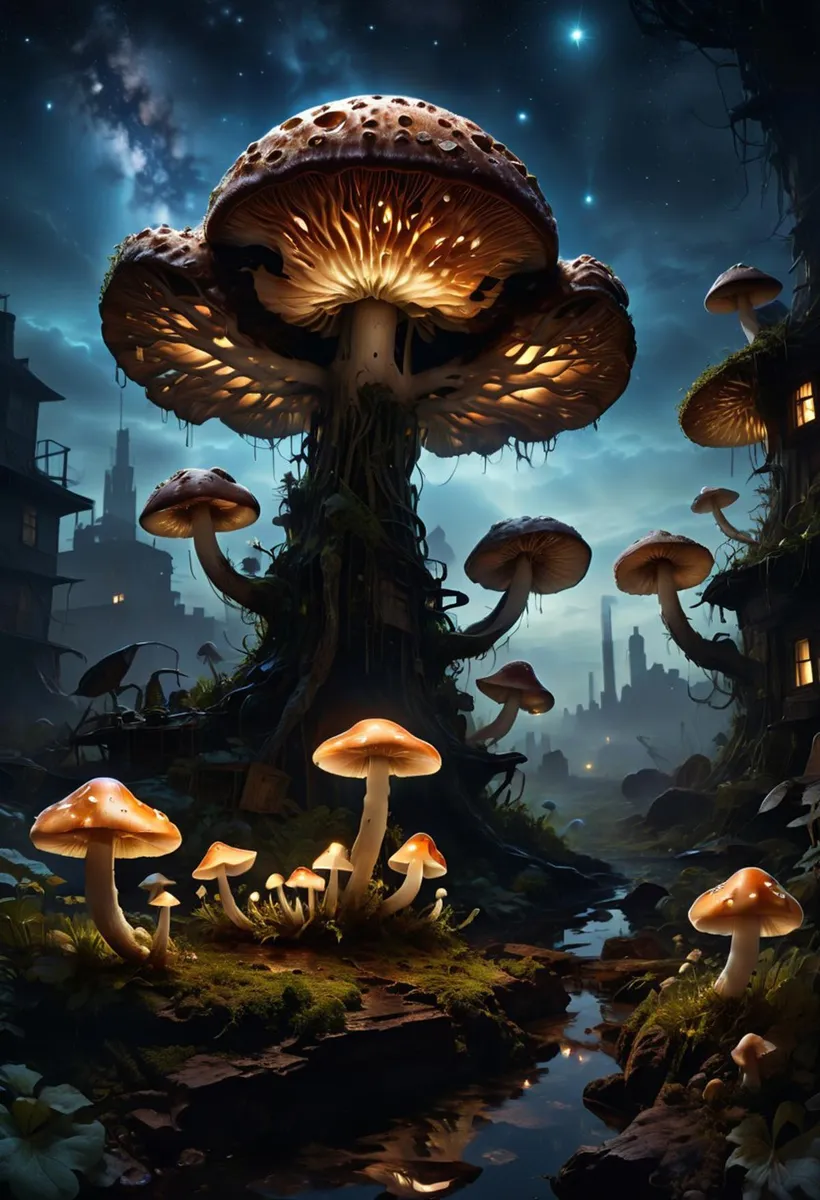
Prompts recommandés
<lora:EnvyBetterHiresFixXL01:0:hr=1>
golden hour, blue sky, clouds, scenery, in a Earthcore Reaper's Soul Plains<lora:EnvyBetterHiresFixXL01:1>
Prompts négatifs recommandés
photograph, bland colors
Paramètres recommandés
samplers
steps
cfg
resolution
vae
other models
Paramètres haute résolution recommandés
upscaler
upscale
steps
denoising strength
Conseils
EnvyBetterHiresFixXL01 LoRA can be applied during the Hires Fix step only or both passes for more dramatic and vibrant output.
Using the a1111 extension (https://github.com/cheald/sd-webui-loractl) allows you to enable the LoRA specifically during hires fix.
Adding the LoRA to your positive prompt as
Sponsors du créateur
If you want to run this LoRA during your hires fix only, you can download this a1111 extension here:
Adds contrast, detail, and quality improvements to hires fix. Improves hands a bit. Gives more realistic skin textures on photorealistic models. (Scroll down to see another post with still comparisons of the animated images.)
Important generation notes:
In the example images, this LoRA was only enabled during the Hires Fix step. I've had very good results enabling it for both passes (in which case it makes generations more dramatic and vibrant), but it does alter composition somewhat, which makes direct comparison harder.
If you want to run this LoRA during your hires fix only, you can download this a1111 extension here:
https://github.com/cheald/sd-webui-loractl
...and add the LoRA to your positive prompt like this: <lora:EnvyBetterHiresFixXL01:0:hr=1>
(Or just add it like a normal LoRA to use it during both passes.)
Contributeur

Détails du modèle

Discussion
Veuillez vous log in pour laisser un commentaire.
Collection de modèles - Envy Better Hires Fix XL 01

Images par Envy Better Hires Fix XL 01 - v1.0
Images avec detail


Images avec style






Images avec vibrant colors


