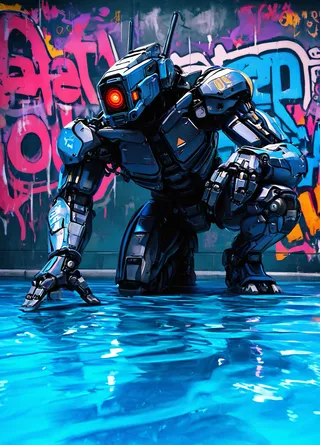
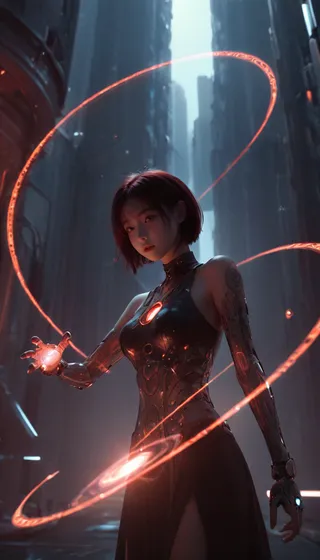
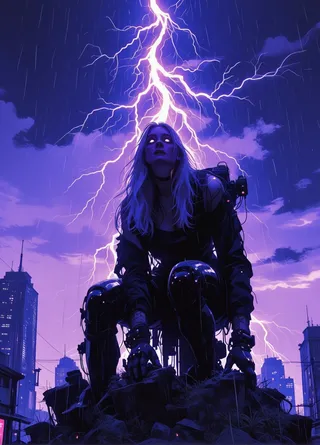
RealCartoon3D - V11
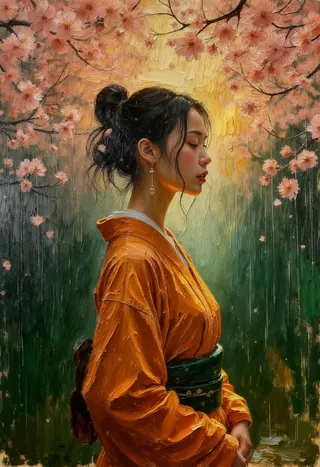
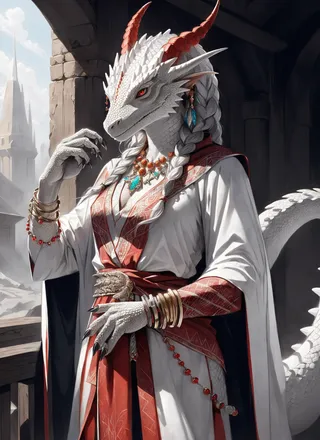
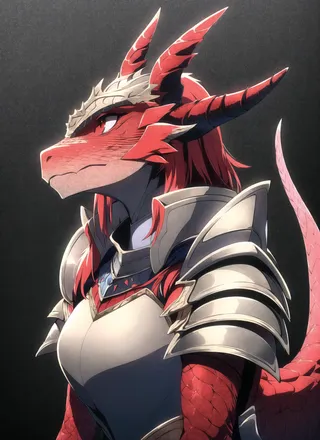
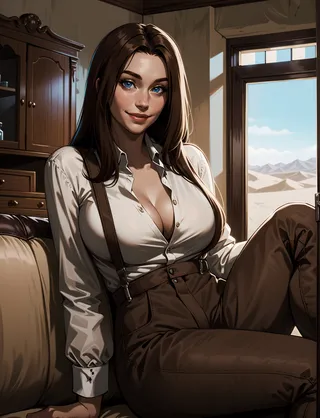
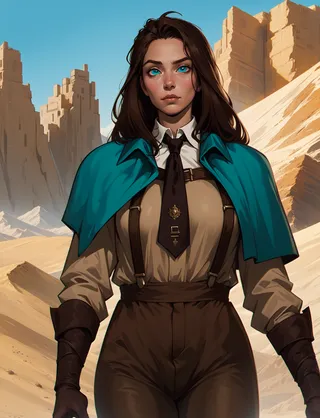
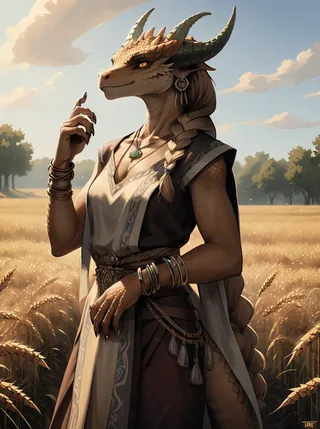
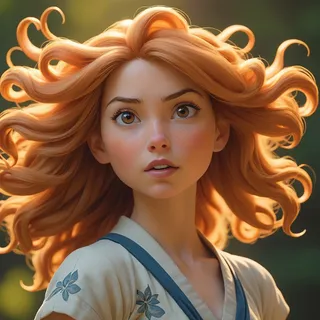
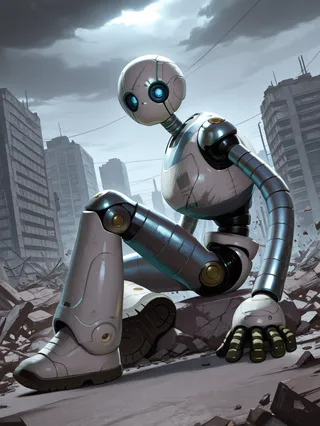
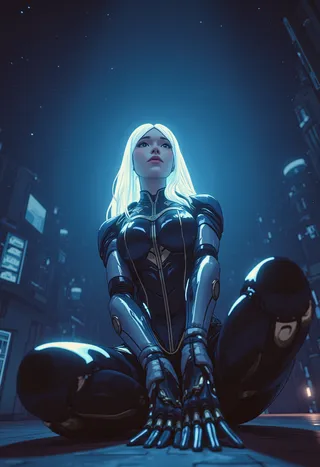
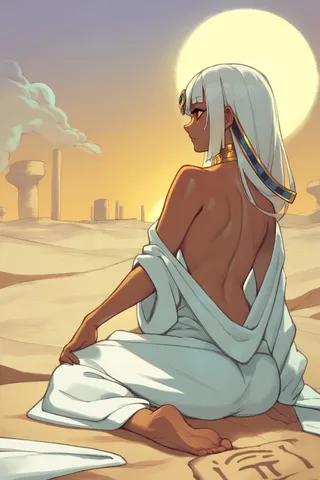
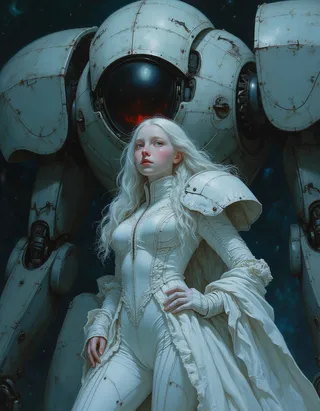
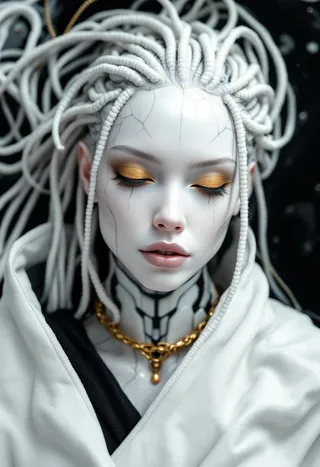
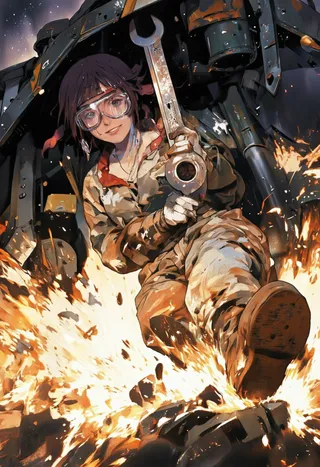
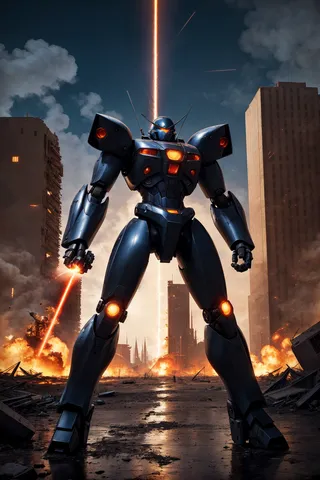
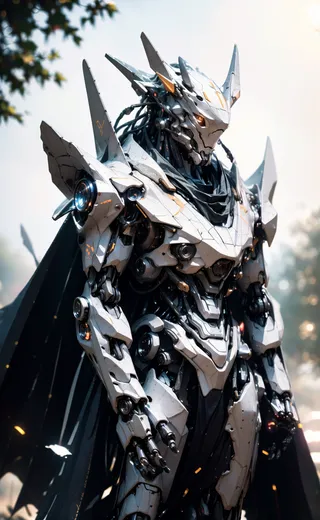
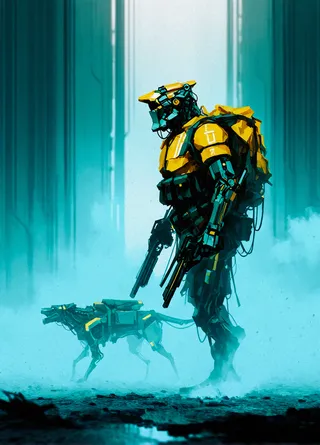
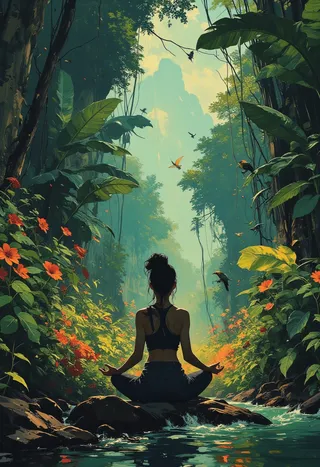
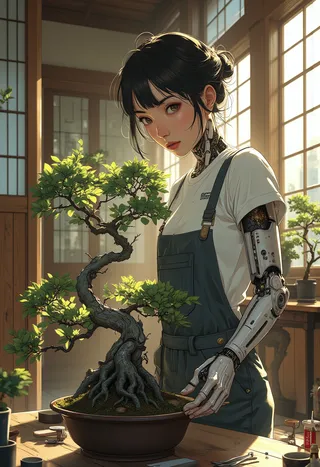
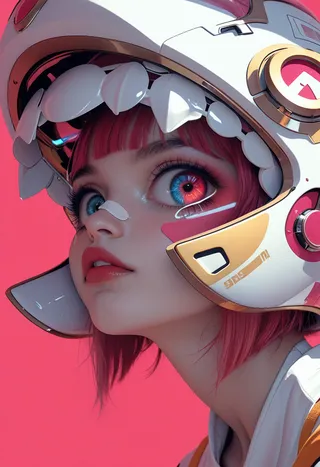
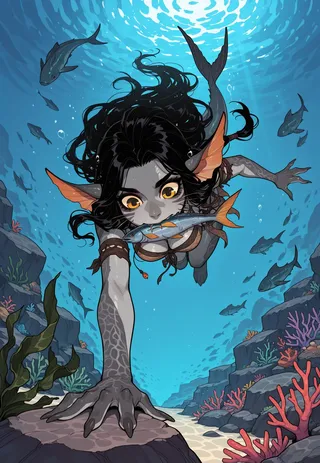
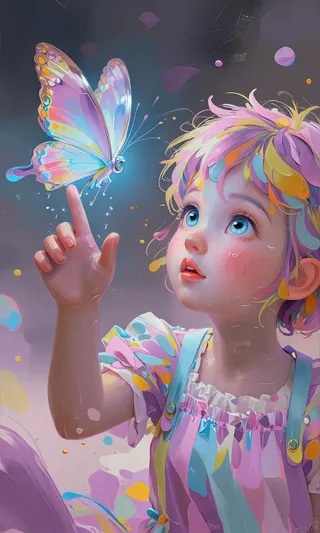
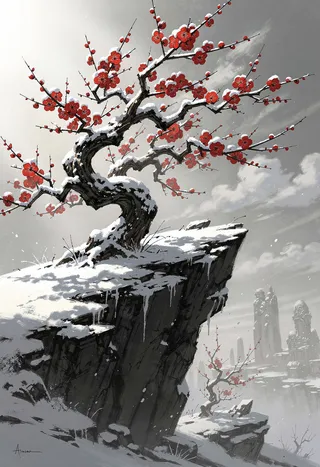
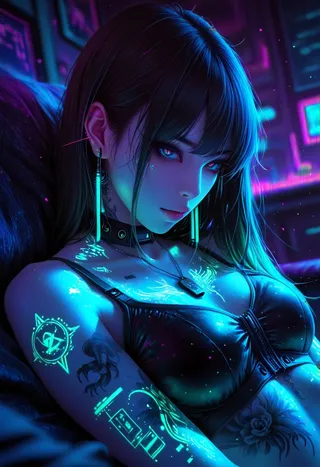
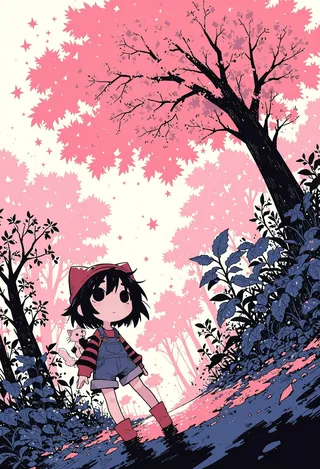
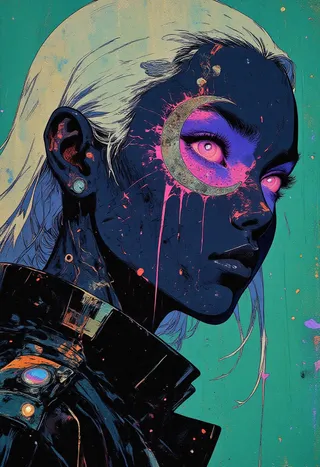
Highlighted images
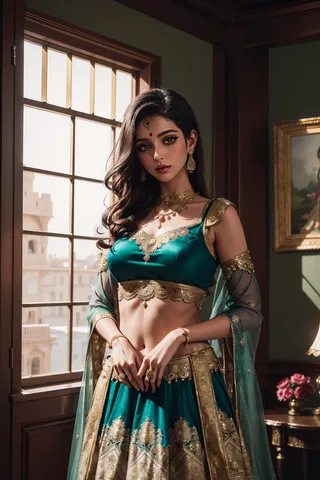
Recommended Negative Prompts
easynegative,badhandv4,(bad quality:1.3),(worst quality:1.3),watermark,(blurry),5-funny-looking-fingers,nude,nudity,naked,NSFW,nipples
Recommended Parameters
samplers
steps
cfg
clip skip
resolution
vae
Recommended Hires (High-Resolution) Parameters
upscaler
upscale
steps
denoising strength
Tips
LoRA strength should be carefully tuned between 0.4 - 1 as stronger is not always better.
Elements earlier in the prompt have higher priority.
Parentheses increases priority but having everything in parentheses is almost as effective as none.
Subtle prompt changes including punctuation can affect the resulting image.
Use keywords like Anime, Cartoon, painted, or comic near the front of the prompt for more cartoon look.
For realistic styles use keywords like Realistic or real.
Include 'nude, nudity, naked, NSFW, nipples' in negative prompts to avoid NSFW results.
Run ADetailer when subjects are in the distance to improve faces but be careful with blurred backgrounds.
If having trouble running A1111 web UI, adjust 'webui-user.bat' settings for memory optimizations or install xformers for better performance.
Version Highlights
Wanted to see if I could push the checkpoint a bit more. Also, going to have a another kid soon....so will not have much time in December. So, I hope you enjoy!! This version it a bit more "3D" with a leaning a bit more on realistic, but still maintaining a little of that cartoon feel. :) This version I also think does better with other details around the background and setting. Oh and HAPPY THANKSGIVING! (When this gets released)
Creator Sponsors
Checkout the exclusive RealCartoon - Mage model:
RealCartoon - Mage on Mage.Space
You can also run this model on sinkin.ai and mage.space.
Support the author: Send some support at Ko-fi
Checkout my Mage.Space Exclusive model: RealCartoon - Mage
You can also run this model on sinkin.ai and mage.space:
www.Mage.space really helps:
https://www.shakker.ai/userpage/76e974968502489794d7d7938e6dda54/publish
Want to send some support? (send some at Ko-fi)
Scroll down for some prompt recommendations
If you want to add some age to a subject, I tested Age Slider and it did well: Age Slider
Also recommend easynegative, badhandv4 in the negative prompt
The History:
RealCartoon3D was my first model uploaded. I was still learning this stuff, but wanted to create a checkpoint to do what I wanted it to do when prompted with a look I enjoyed. Some goals for the checkpoint (updated as time went on):
1. Variety in humans (I.E. African, European, Asian, etc). I did not want it just producing the same look I saw everywhere.
2. Produce a cartoon look with a realistic touch
3. Do well with LoRAs. (because this is where the customization really happens)
The mission was/is to attempt to get this checkpoint to a point where it will do well on first attempt or second attempt with prompts (my computer is just a gaming laptop that gets really hot when doing things like this lol...already kill the battery once).
I have learned a lot in the process and even started other checkpoints (RealCartoon-Anime, Realistic, Pixar, and 2.5D) to give a more focused variation. This checkpoint is the basis for all of them and gets a merge in from time to time to them. This one though will always be my main one though....even though that PIXAR one has a really nice look :P
I hope you all enjoy it! Please review and share your images. I very much appreciate the support with the downloads and feedback (THANK YOU ALL). Never thought it would get this much attention.
The Creation Process:
The starting checkpoints for merging were a couple of top ones during May of 2023 (The checkpoints do/did not have restrictions on checkpoint mergers). I also baked in the VAE (vae-ft-mse-840000-ema-pruned). I tried ClearVAE (which does some nice results, but it would mess up from time to time (which may have been my computer). I did not want this issue to fall to anyone that downloaded this model, so I did not use that VAE. Sadly, I did not have the resources to train from scratch; but found that many people would just train off these top checkpoints anyway. As time moved on, I would try to find checkpoints that had a look or cool backdrop (or odd result sometimes) that would help the overall look (again avoiding those that had restrictions with merging, as I do not want to mess up anyone's work or get lost in licensing). One issue that would always seem to show up was hands being messed up. They just did not come out right (as many checkpoints seemed to have a problem with in SD 1.5); but as I kept moving forward in merging, the hands seemed to get better. I would then look for LoRas to influence the look and style. These LoRas were not to take over the checkpoint but help mold it per say. As I wanted the user to have control of this. Since that is the point of LoRas.
Overall, this checkpoint moved up in versions quickly as it got figured out. Eventually it started to really go where I wanted with Version 3.0, 3.1, and then of course Version 4 (slowing down a bit in the updates as well). I still like the older versions; and these older versions are what influenced the other RealCartoon checkpoints. As the look for this primary one got figured out.
Prompt Settings:
(These settings are for A1111 ):
The below image is the top settings I recommend. I do not use a VAE normally as
(vae-ft-mse-840000-ema-pruned) is baked in.

Below are the normal settings I do run when generating most of my images.
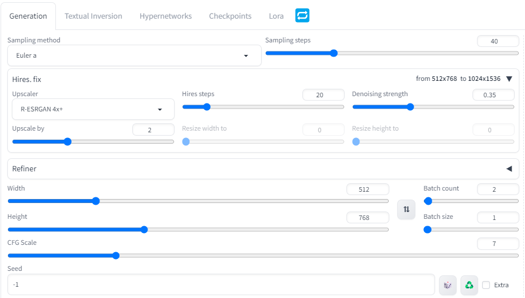
Some variation of course happens depending on the desired outcome (I.E. Landscape). I also like to make portrait 512 by 904 as well. I only run batches when I am checking checkpoints or looking for that perfect image. This is normally set to 1
Sampling method I primarily use is Euler a, but DPM++ SDE Karra and DPM++ 2M Karras do well as well.
A newer version of the Euler sampler (Advanced Euler by licyk) - https://github.com/licyk/advanced_euler_sampler_extension
This one does better on hands
Normally produces images faster
Upscaler is either R-ESRGAN 4x+ or 4k-UltraSharp for most of my images.
The Upscale settings will vary depending on your computer.
Would run ADetailer if subject is in the distance as SD1.5 can sometimes fail at faces with distance people. Be careful if you have blurred subjects in backgrounds; as this can start "enhancing them" and thus mess with the overall look.
If you are having problems running A1111 you can change the "webui-user.bat" settings to help (by right clicking and opening in notepad):
set COMMANDLINE_ARGS= --xformers
If you do not have xformers or cannot install it, put the following instead:
set COMMANDLINE_ARGS= --disable-model-loading-ram-optimization --opt-sdp-no-mem-attention
To install xformers: how to install xformers
Prompt Recommendations:
When it comes to prompts that is really up to you. Here is some advice:
Please be careful on the strength you add to LoRas as this can affect the overall look with the checkpoint. Stronger does not always mean better. I normally run 0.4 - 1 strengths depending on the LoRa.
What is first in your prompt has higher priority.
Having parathesis increases a priority, but having everything in them is almost as good as typing without them.
Subtle changes in a prompt (to include punctuation) can change the image
The seed helps in producing similar images with similar software and settings. It does not guarantee the same image as even a difference in software (I.E. ComfyUI) or hardware can affect it.
If you want a more cartoon look (at least with this checkpoint) use the following near the front of the prompt: Anime, Cartoon, painted, or comic. This does not guarantee a look depending on the version; but it will lean more that way. This also works for Realistic looks (Realistic, real, etc).
If you want Safe for work or not nudity to show up then make sure you put the following in your negative prompt: nude, nudity, naked, NSFW, nipples. Of course if you have this in your actual prompt then it will more then likely do it.
The following is what I normally run in a negative prompt (you can click on easynagative or badhandv4 to get the files):
easynegative,(badhandv4),(bad quality:1.3),(worst quality:1.3),watermark,(blurry),5-funny-looking-fingers
NOTE: Badhandv4 is an embedding. So goes in the embedding folder of A1111
Why So Many Versions:
Because I wanted to share all the results that I felt reached a desired outcome. Allowed me to have fun, and I saw that many enjoyed them. Which motivated me to keep trying. Again, thank you.
__________________________________________________________________________________________________
License & Use
This model is open access and available to all, with a CreativeML OpenRAIL-M license further specifying rights and usage.
1. You can't use the model to deliberately produce nor share illegal or harmful outputs or content.
2. The authors claims no rights on the outputs you generate, you are free to use them and are accountable for their use which must not go against the provisions set in the license.
3. You may re-distribute the weights. If you do, please be aware you have to include the same use restrictions as the ones in the license and share a copy of the modified CreativeML OpenRAIL-M to all your users (please read the license entirely and carefully).
Please read the full license here Stable Diffusion
Use Restrictions:
You agree not to use the Model or Derivatives of the Model:
- In any way that violates any applicable national, federal, state, local or international law or regulation
- For the purpose of exploiting, harming or attempting to exploit or harm minors in any way
- To generate or disseminate verifiably false information and/or content with the purpose of harming others
- To generate or disseminate personal identifiable information that can be used to harm an individual
- To defame, disparage or otherwise harass others
- For fully automated decision making that adversely impacts an individual’s legal rights or otherwise creates or modifies a binding, enforceable obligation
- For any use intended to or which has the effect of discriminating against or harming individuals or groups based on online or offline social behavior or known or predicted personal or personality characteristics
- To exploit any of the vulnerabilities of a specific group of persons based on their age, social, physical or mental characteristics, in order to materially distort the behavior of a person pertaining to that group in a manner that causes or is likely to cause that person or another person physical or psychological harm
- For any use intended to or which has the effect of discriminating against individuals or groups based on legally protected characteristics or categories
- To provide medical advice and medical results interpretation
- To generate or disseminate information for the purpose to be used for administration of justice, law enforcement, immigration or asylum processes, such as predicting an individual will commit fraud/crime commitment (e.g. by text profiling, drawing causal relationships between assertions made in documents, indiscriminate and arbitrarily-targeted use).
Terms of use:
- You are solely responsible for any legal liability resulting from unethical use of this model(s)
- If you use any of these models for merging, please state what steps you took to do so and clearly indicate where modifications have been made.
Note:
If you see any conflicts or corrections to be made, please let me know.
Model Details
Discussion
Please log in to leave a comment.
Model Collection - RealCartoon3D
Images by RealCartoon3D - V11
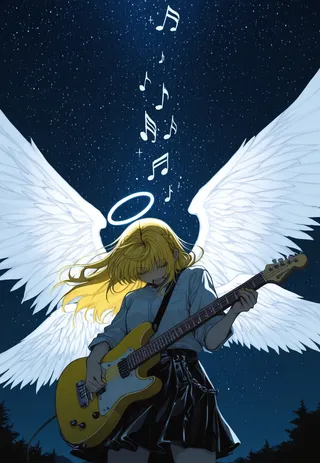
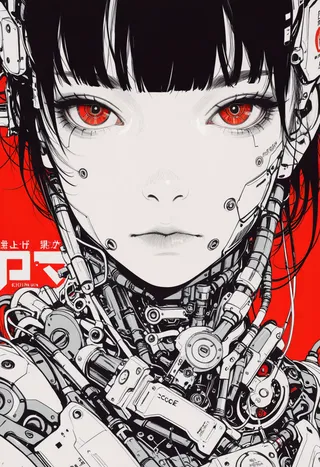
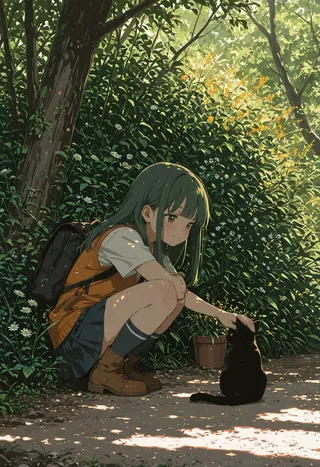
digital art Images
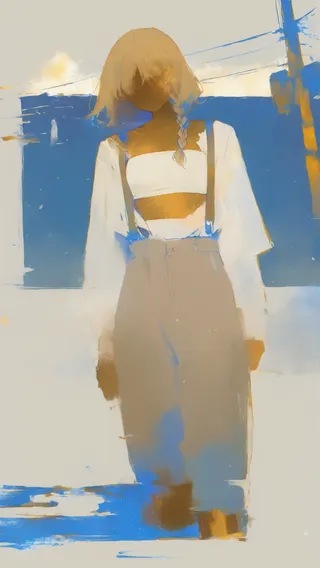
female Images